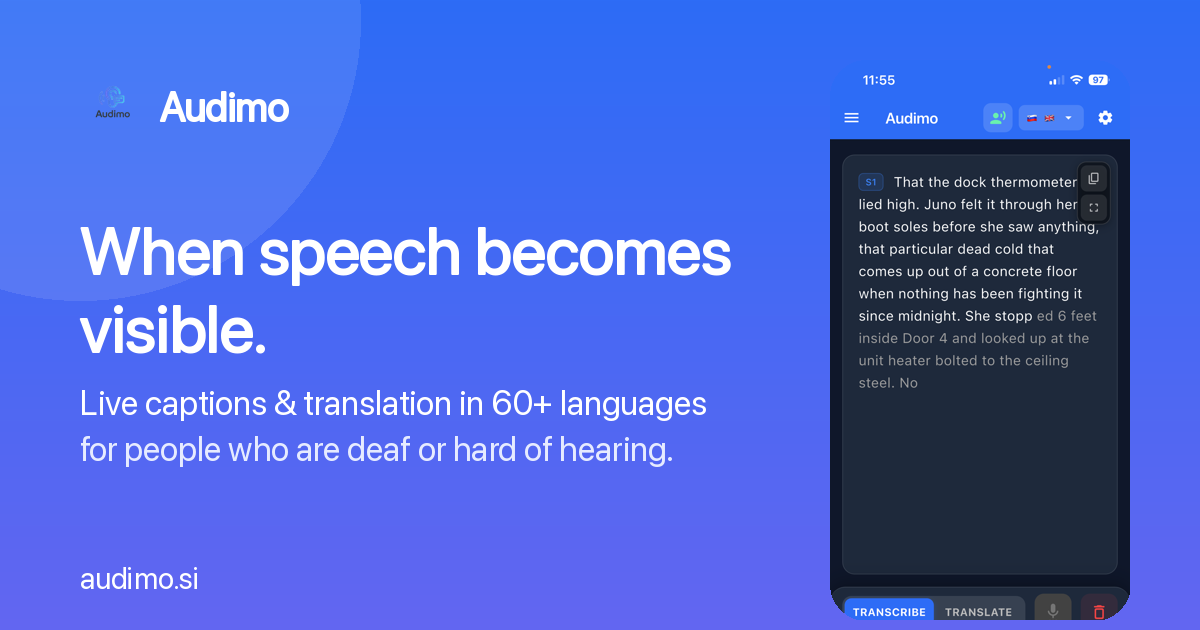
Missing a word here and there adds up fast. In a meeting, a classroom, or a noisy café, the moment someone speaks their words are gone — and if you can't hear them clearly, they're gone for good. The good news: your phone can put those words back on the screen, as they're spoken.
Turn speech into text you can read
Live captioning listens to the conversation around you and writes it out in real time. Instead of straining to lip-read or asking people to repeat themselves, you simply read along. Modern captioning is fast enough to keep pace with a normal talker and accurate enough to follow the thread of what's being said.
Where it helps most
- Meetings and calls — keep up with fast discussions, with a label on each speaker so you know who said what.
- Classes and lectures — read the lesson as it happens and revisit the transcript later.
- Out in the world — the pharmacy counter, a taxi, a new city, a doctor's visit.
A few tips for better captions
- Put the phone a little closer to whoever is talking.
- Reduce background noise where you can.
- Turn up the text size and contrast so it's comfortable to read at a glance.
Audimo was built for exactly this: real-time captions and translation on your phone, in 60+ languages, made for people who are deaf or hard of hearing. Point it at the conversation, and never miss a word again.